

One system for the whole team.
See what’s in stock, what customers owe and which orders need attention. Explore the screens your team uses every day.
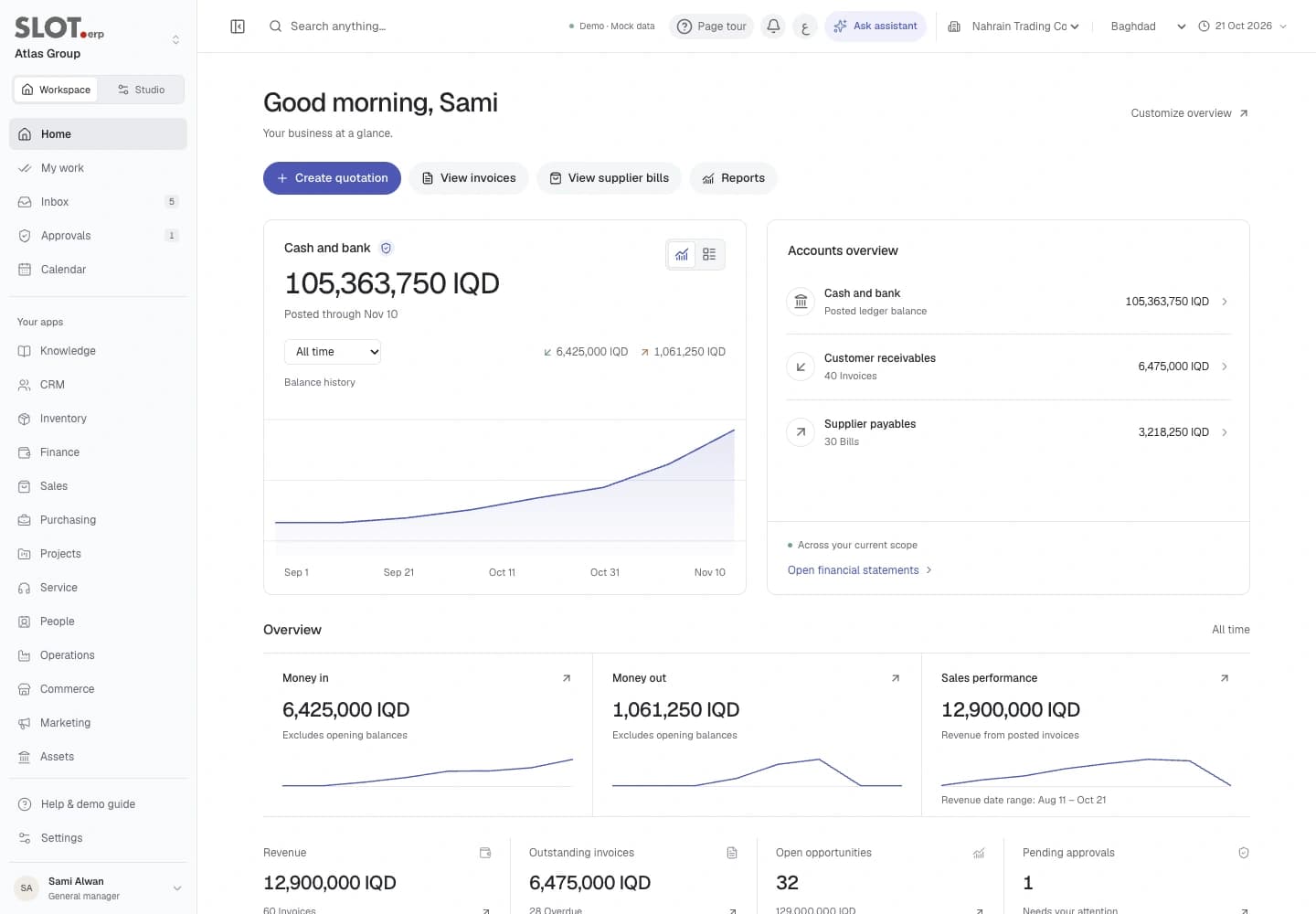
Sales & customers
Keep customers, quotations, orders and invoices connected.
Inventory & purchasing
Follow stock across branches, from purchase to delivery.
Finance & reporting
Bring your business activity into your accounting records.
People & permissions
Give each team member the access their work needs.
Every company. Its own space.
Start an independent workspace for each business. Its people, permissions and records stay separate.
- Invite a separate team to each workspace
- Set company and branch access by role
- Move between your workspaces with one account
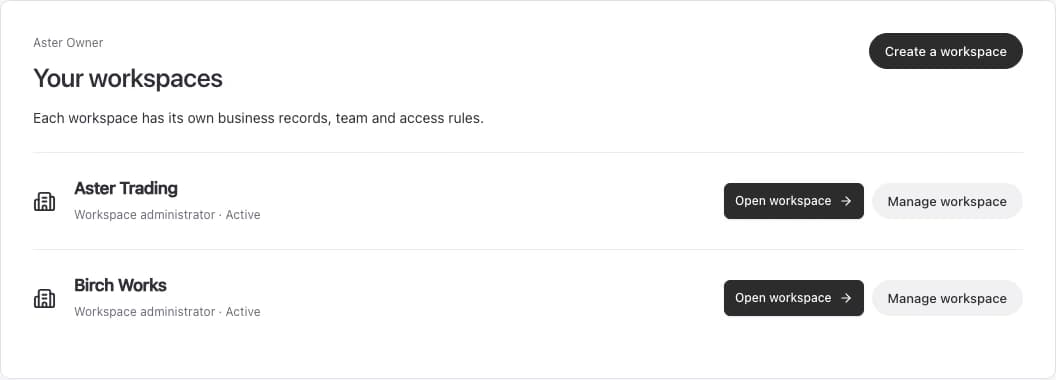
Set up your workspace.
Create an account
Create your account and verify your email address.
Set up your company
Add your company, first branch and preferred language. Review before creating.
Invite your team
Invite people, assign access and start with empty business records.
Common questions.
Can I manage more than one company?
Yes. Create an independent workspace for each business. Your account can belong to several workspaces, with a separate role and access in each. Legal companies and branches can also be managed inside a workspace.
Will my workspace start with sample data?
New company workspaces start with empty business transactions and the accounting configuration they need. The screenshots on this page use demonstration data.
Does SlotERP support Arabic?
Yes. Choose English or Arabic for your workspace. Arabic includes a right-to-left interface. Current company setup uses Iraqi dinar functional books and Baghdad business time.
How much does SlotERP cost?
SlotERP costs $14.99 per user per month. Subscriptions are managed by the service operator. Account setup does not charge a payment card.